containerization-and-devops
Lab Experiment 1 – Comparison of Virtual Machines and Containers
Objective
- Understand differences between Virtual Machines and Containers.
- Install and configure VM using VirtualBox and Vagrant.
- Install and configure Containers using Docker on WSL.
- Deploy Nginx web server in both environments.
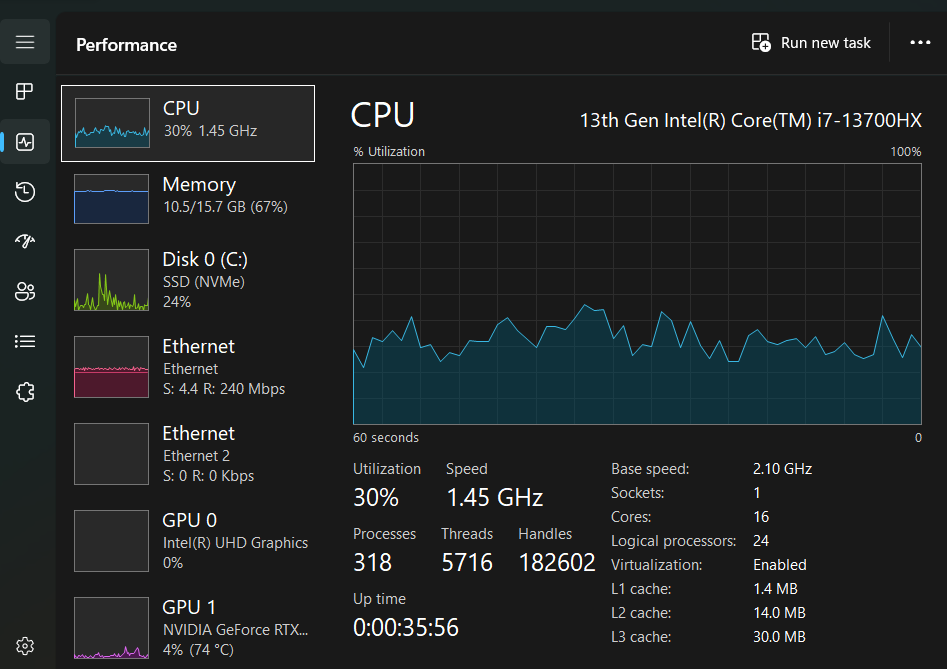
- Observe system resource utilization.
Tools Used
- VirtualBox
- Vagrant
- Ubuntu
- WSL
- Docker
- Nginx
- VS Code
Part A – Virtual Machine Setup
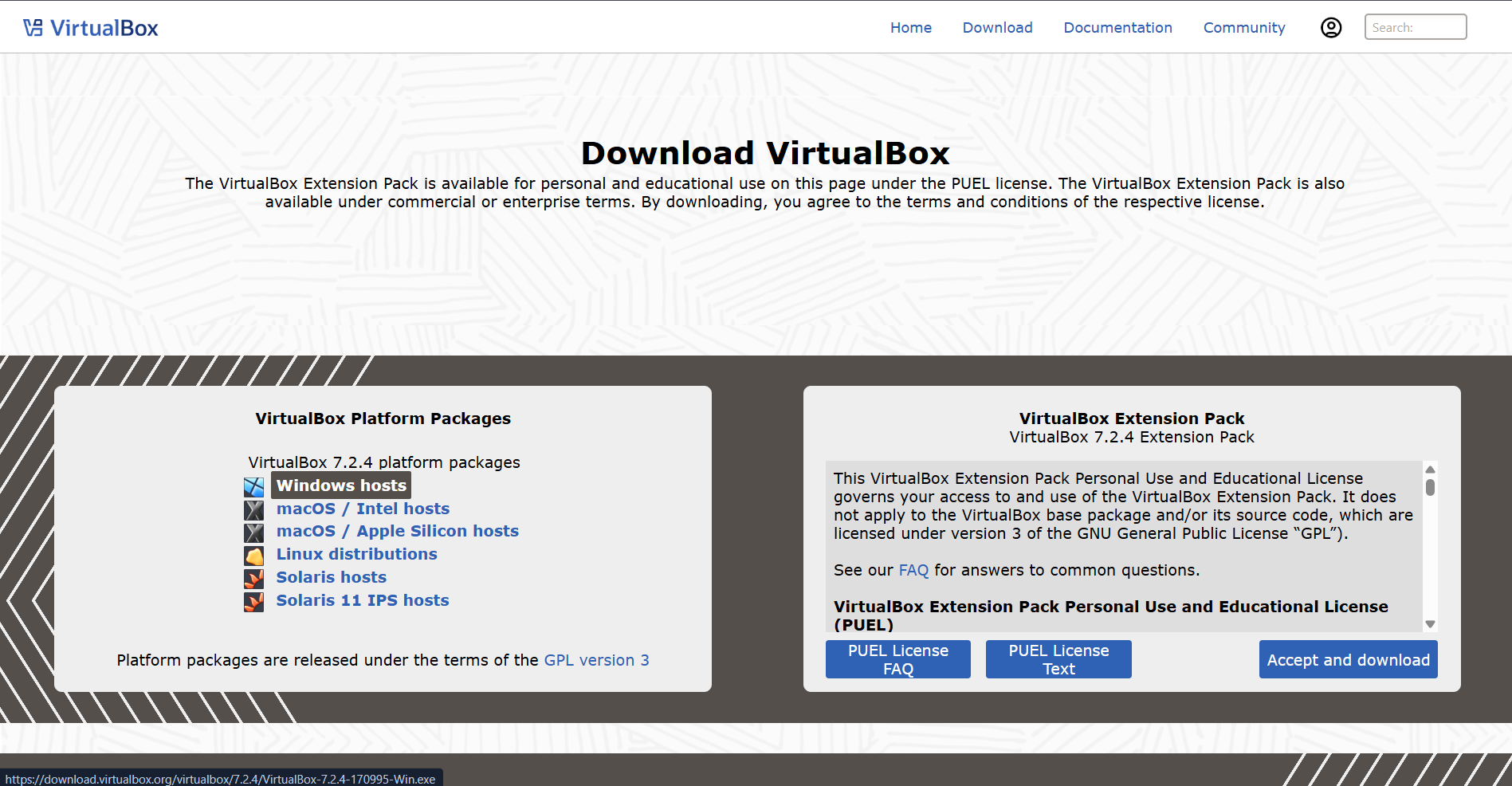
Step 1 – Download VirtualBox
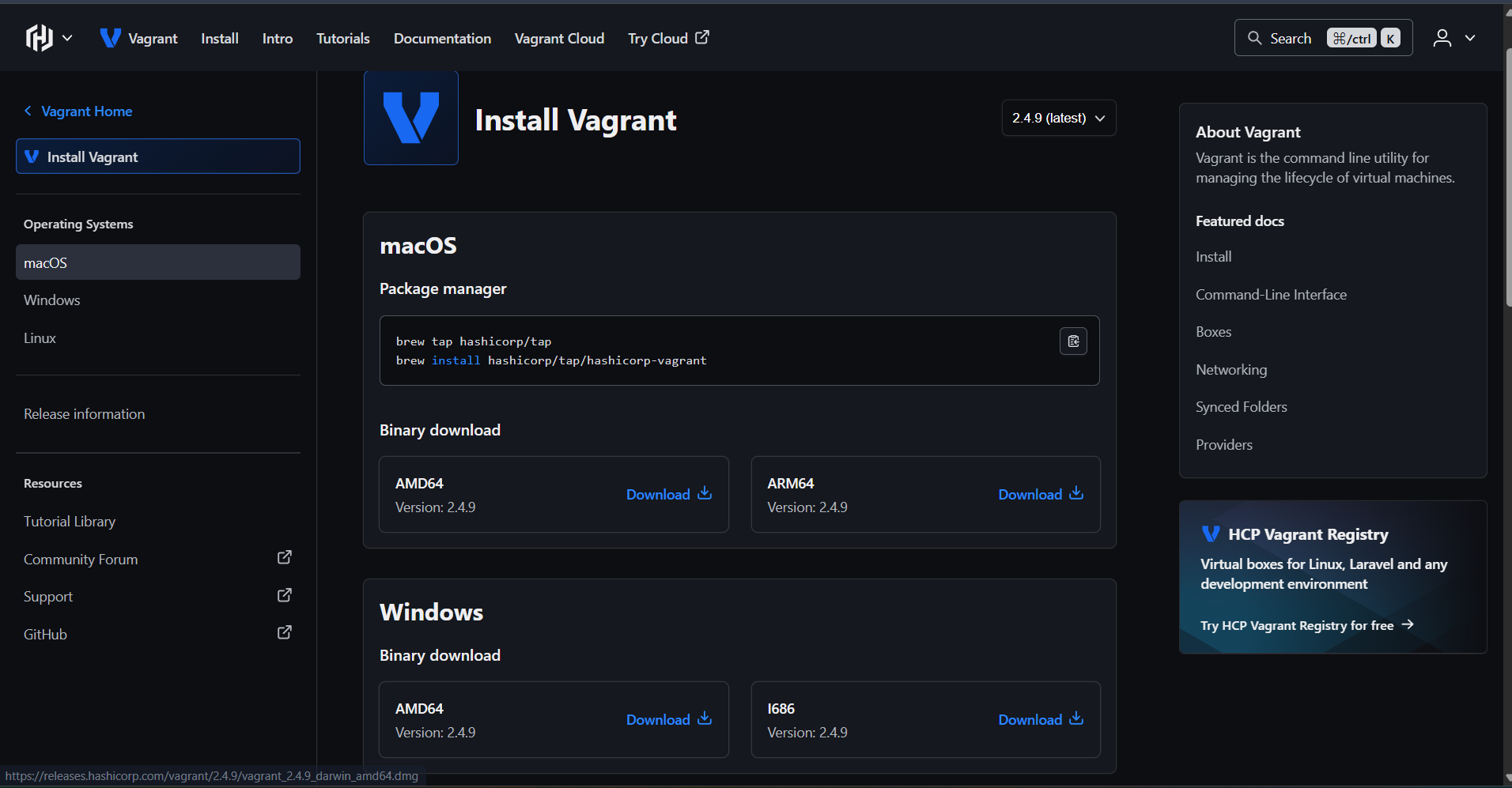
Step 2 – Install Vagrant
Step 3 – Initialize Vagrant
vagrant init hashicorp/bionic64

Step 4 – Start VM
vagrant up
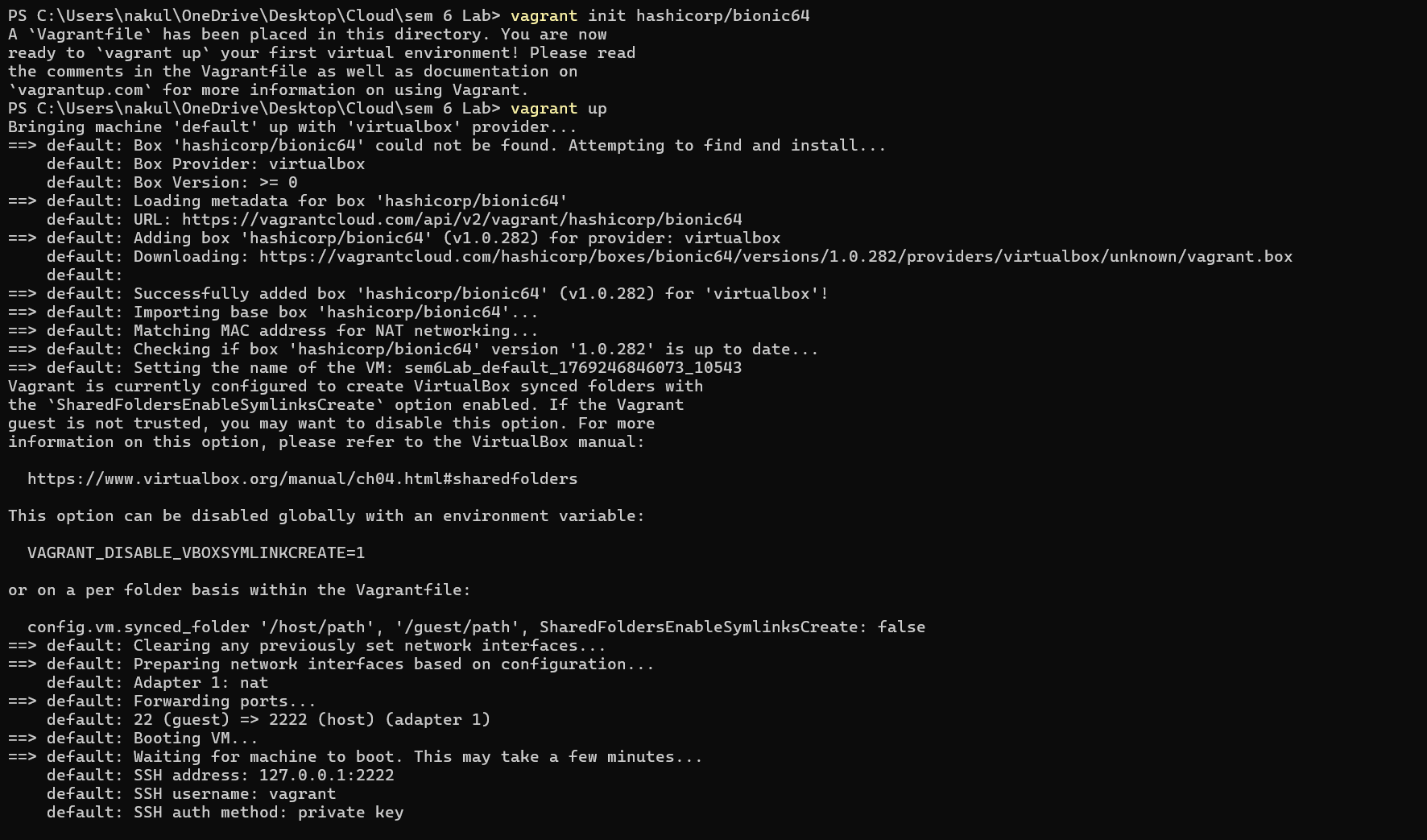
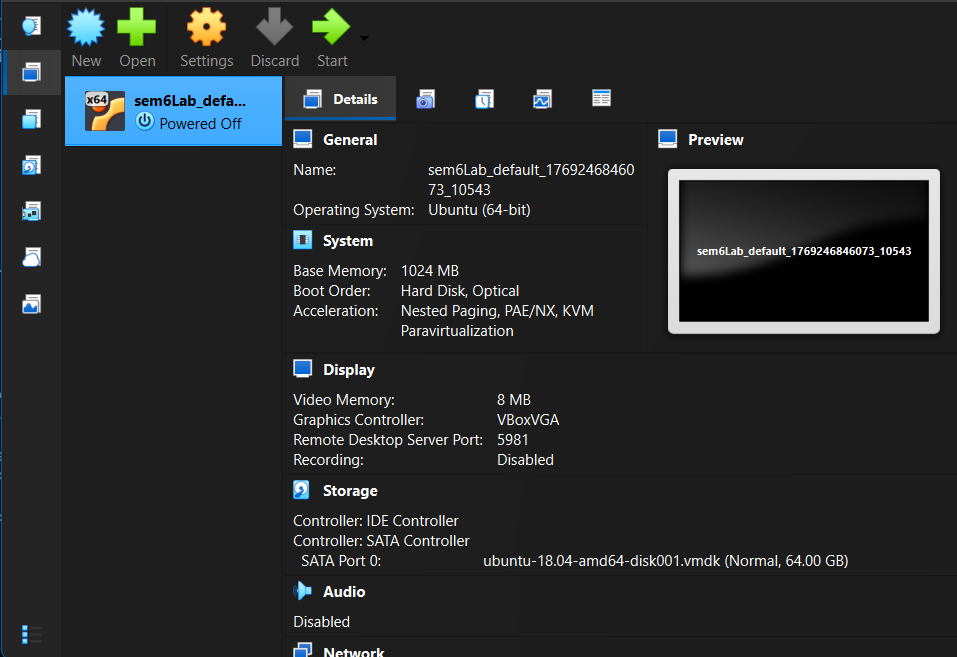
Step 5 – VM Created
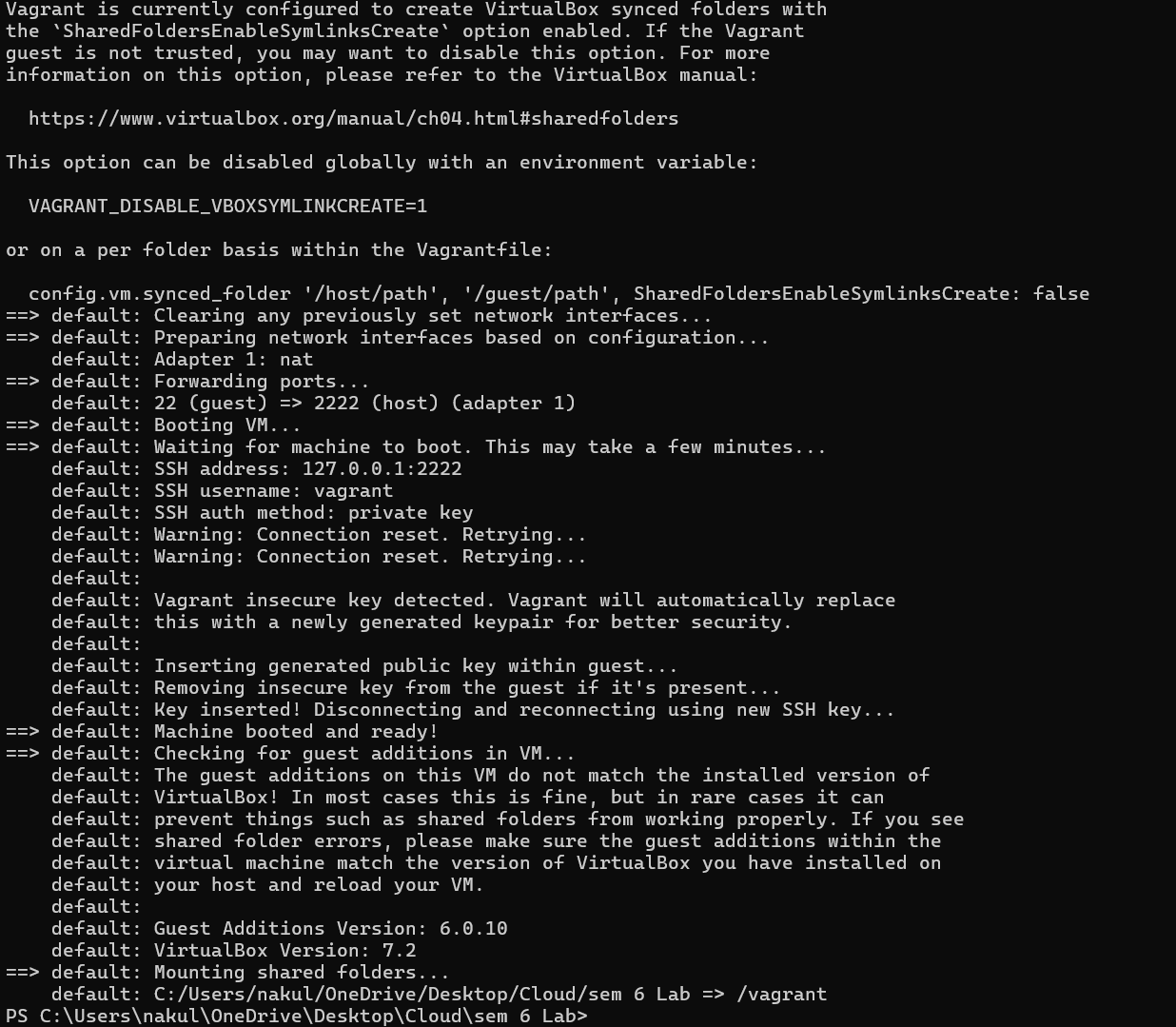
Step 6 – VM Running
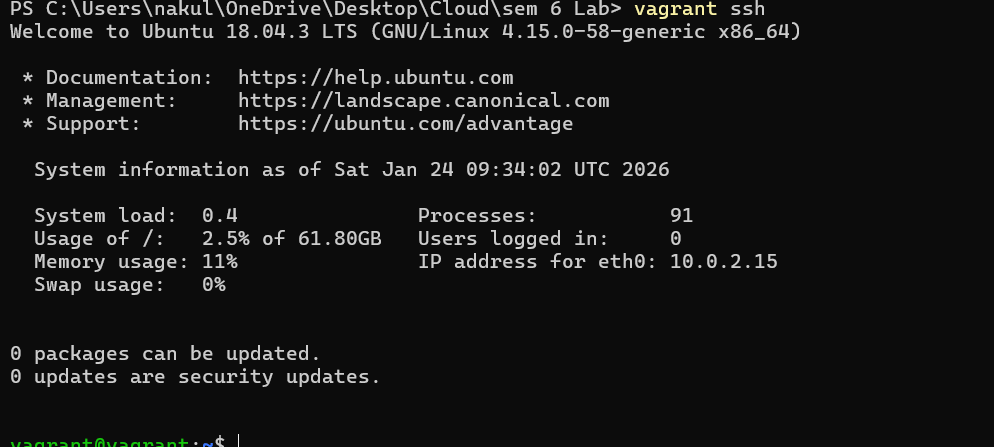
Step 7 – SSH into VM
vagrant ssh
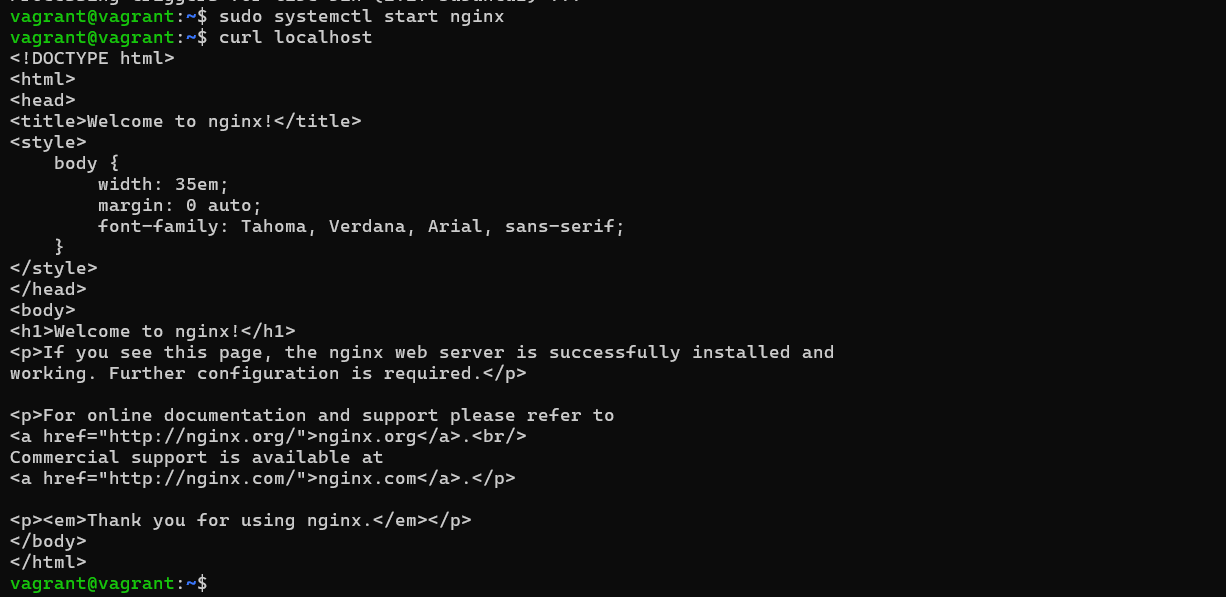
Step 8 – Start Nginx in VM
sudo systemctl start nginx
Step 9 – Verify Nginx
curl localhost
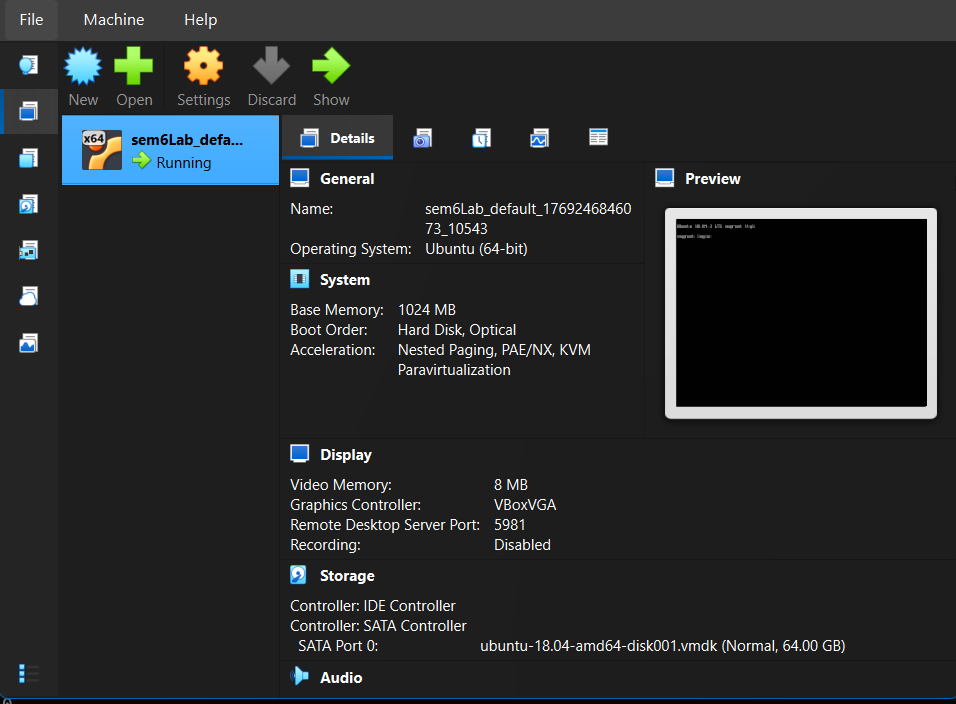
Step 10 – Virtualization Enabled
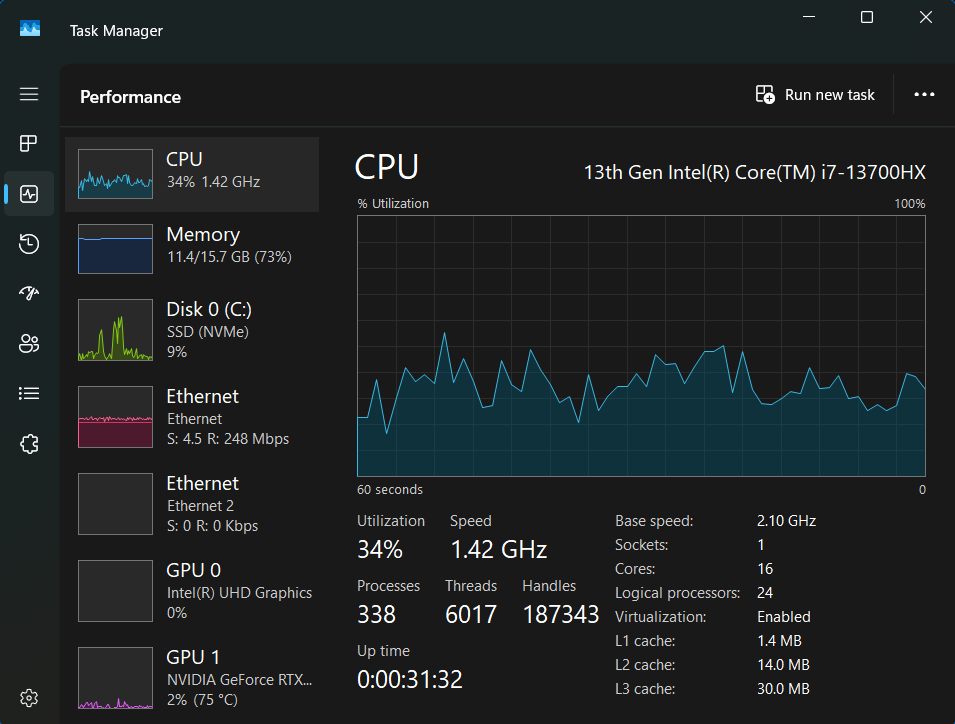
Part B – Docker Container Setup
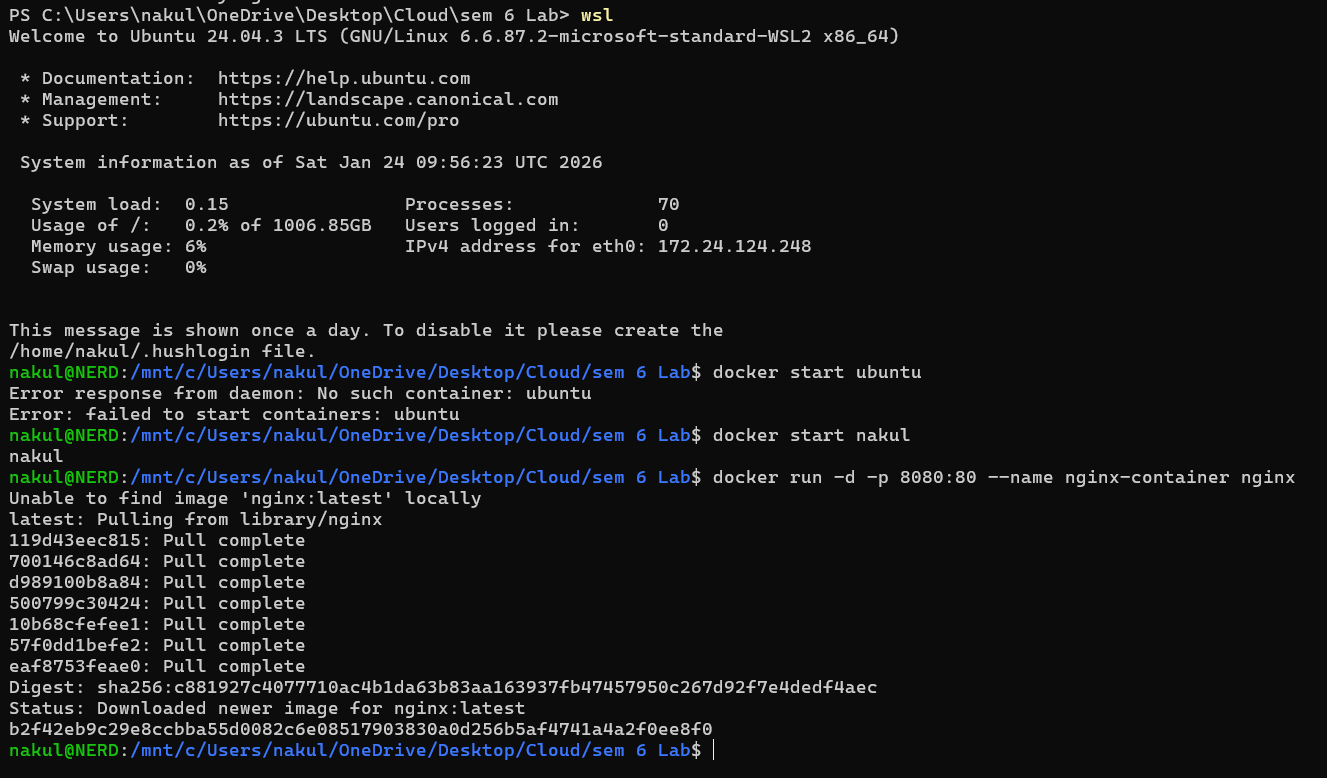
Step 1 – Open WSL
Step 2 – Run Docker Nginx
docker run -d -p 8080:80 --name nginx-container nginx
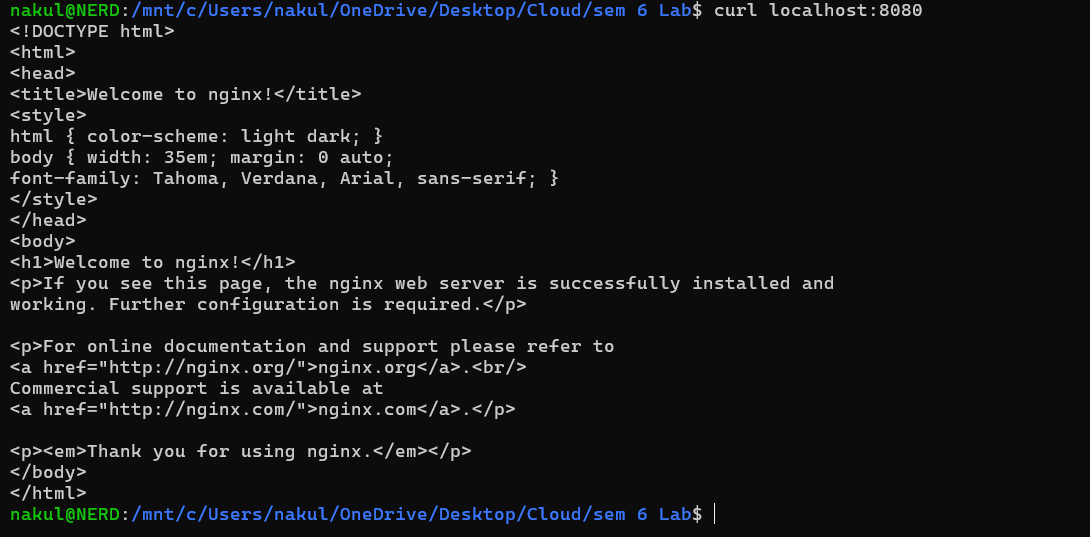
Step 3 – Verify Container Output
curl localhost:8080
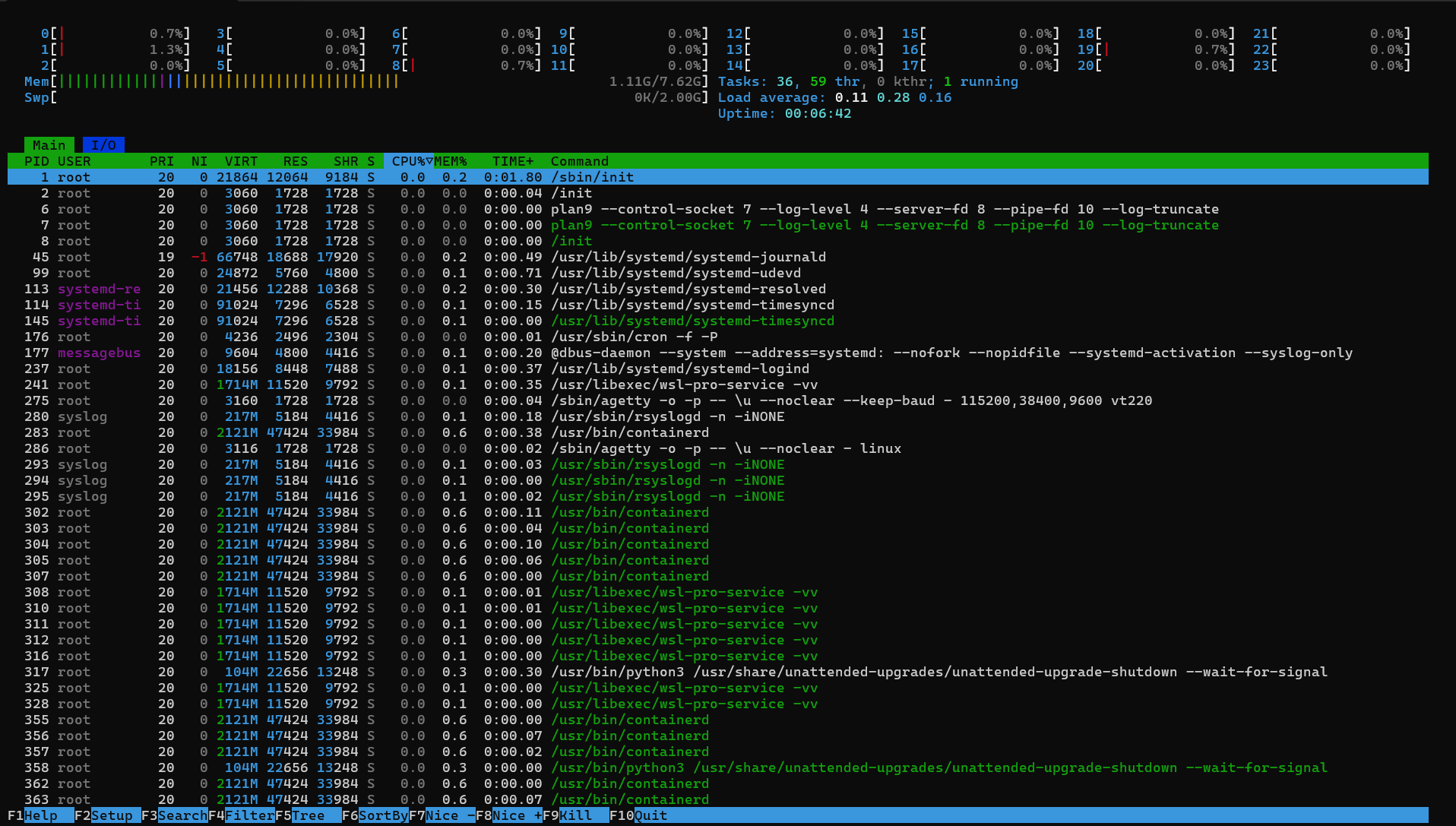
Step 4 – Monitor using htop
htop
Step 5 – Check Memory
free -h

Step 6 – System Analyze
systemd-analyze

Step 7 – Docker Stats
docker stats

Result
Successfully compared VM and Container performance.
🔗 Navigation
| Previous | Home | Next |
|---|---|---|
| — | Main README | Lab 2 → |
All Labs
- Lab 1 — VM vs Container Comparison (You are here)
- Lab 2 — Docker Installation & GitHub Pages
- Lab 3 — Docker Images, NGINX & Flask Deployment
- Lab 4 — Docker Essentials
- Lab 5 — Volumes, Env Vars, Monitoring, Networks
- Lab 6 — Docker Run vs Docker Compose