containerization-and-devops
Experiment 10: SonarQube – Static Code Analysis
1. Aim
To analyze code quality using SonarQube and integrate it into a CI/CD pipeline.
2. Problem Statement
- Bugs found late
- Manual code review is slow
- Hard to maintain quality
3. What is SonarQube?
SonarQube is a tool that:
- Scans code
- Finds bugs
- Detects security issues
- Improves maintainability
👉 It uses static analysis (no execution required)
4. What Problems It Solves
- Detects issues early
- Ensures code quality
- Tracks technical debt
- Enforces quality rules
5. Key Terms (VERY IMPORTANT)
| Term | Meaning | |—|—| | Bug | Code that may fail | | Vulnerability | Security risk | | Code Smell | Bad coding practice | | Quality Gate | Pass/fail check | | Technical Debt | Effort to fix issues | | Coverage | Tested code % | | Duplication | Repeated code |
6. Architecture (VERY IMPORTANT)
According to the diagram: Code → Scanner → SonarQube Server → Database → Dashboard
Components
- SonarQube Server (Brain): Runs on port 9000, stores results, shows dashboard.
- Sonar Scanner (Worker): Reads code, finds issues, sends report.
- PostgreSQL: Stores analysis data.
7. Important Concept
👉 Both are required: | Setup | Result | |—|—| | Only Server | No analysis | | Only Scanner | No storage | | Both | Works |
8. Token Authentication (IMPORTANT)
Flow: Generate Token → Pass to Scanner → Server verifies → Stores results 👉 Token = secure login (not password)
9. Step-by-Step Flow
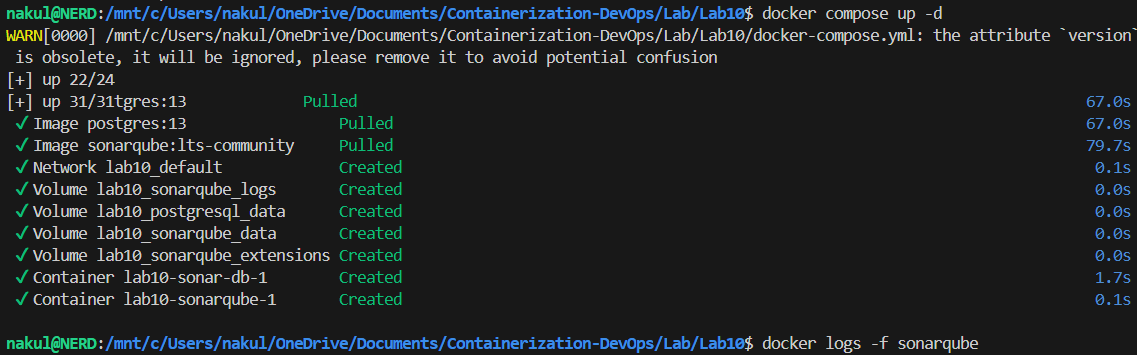
Step 1: Start SonarQube Server
We start SonarQube and PostgreSQL.
docker-compose up -d
docker logs -f sonarqube
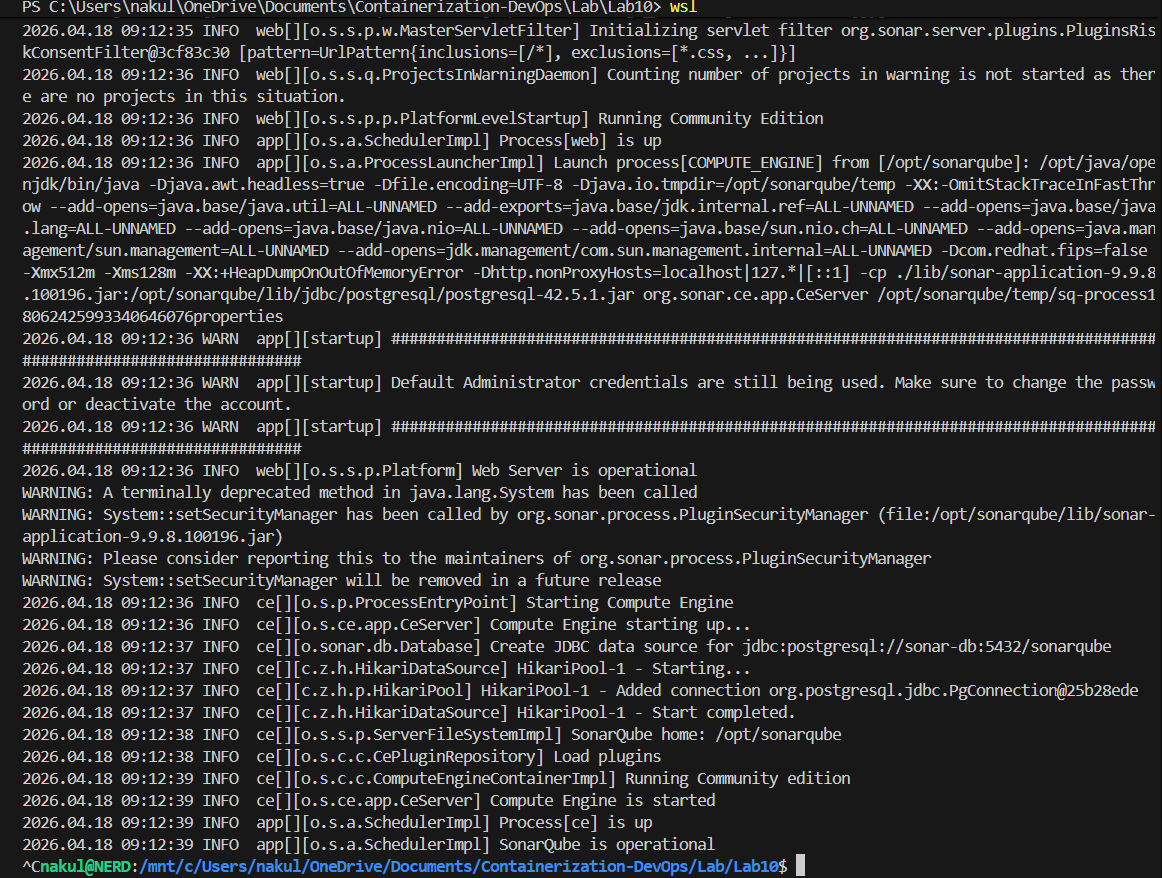
Open: http://localhost:9000
Terminal Output
Step 2: Sample Code & Run Scanner
First, ensure you have some code with bugs (Division by zero, SQL injection, unused variables). Then run the scanner against your code using the token generated from SonarQube.
Option 1: Maven
mvn sonar:sonar -Dsonar.login=YOUR_TOKEN
Option 2: CLI (Docker)
docker run -e SONAR_HOST_URL="http://localhost:9000" -e SONAR_LOGIN="YOUR_TOKEN" -v "${PWD}:/usr/src" sonarsource/sonar-scanner-cli
Terminal Output
Step 3: View Dashboard Results
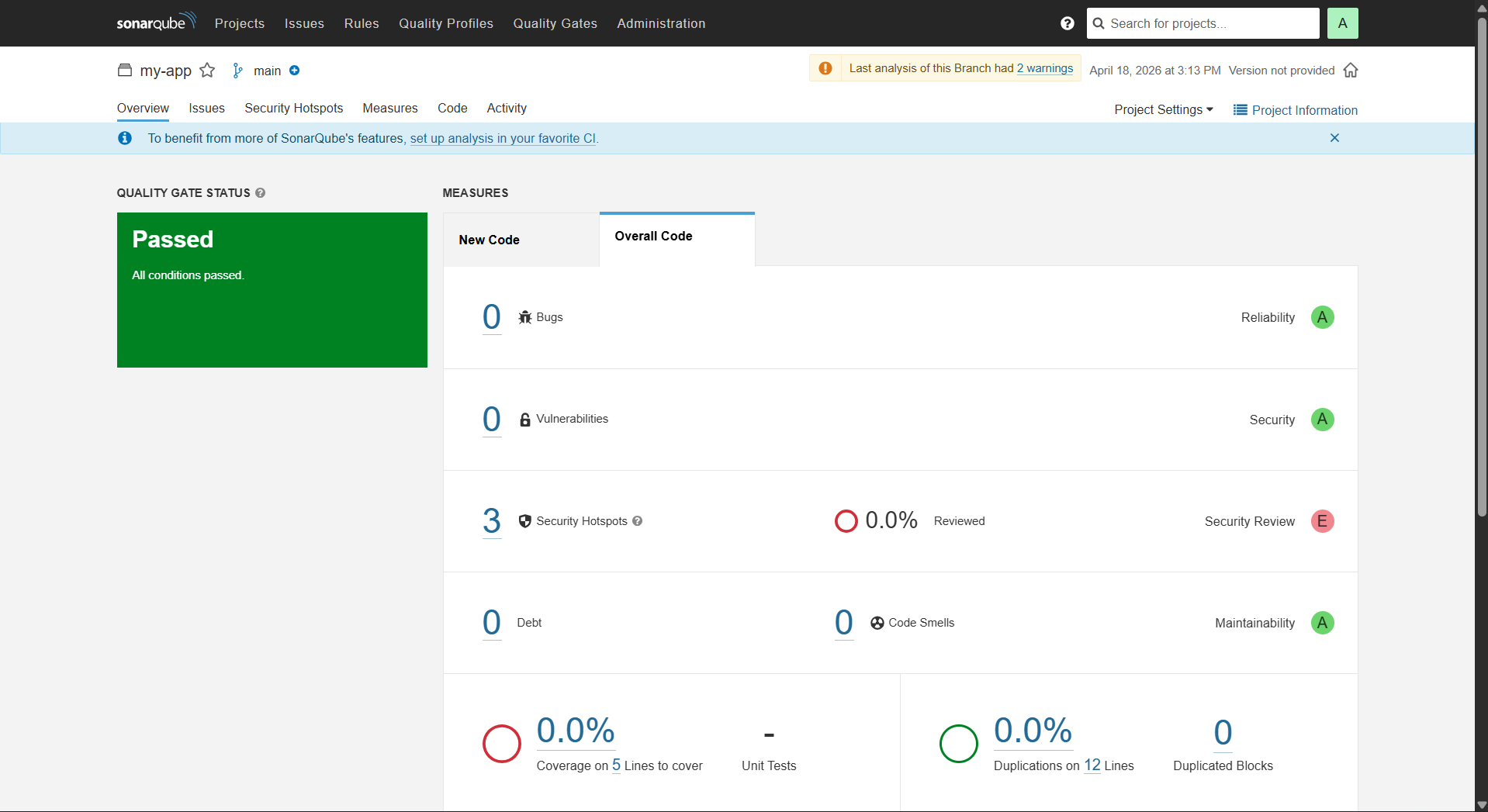
Open: http://localhost:9000 You’ll see: Bugs, Vulnerabilities, Code Smells, Quality Gate.
Example Dashboard:
- Bugs: 5
- Vulnerabilities: 1
- Code Smells: 8
- Quality Gate: FAILED
Terminal Output
Step 4: Automating via API
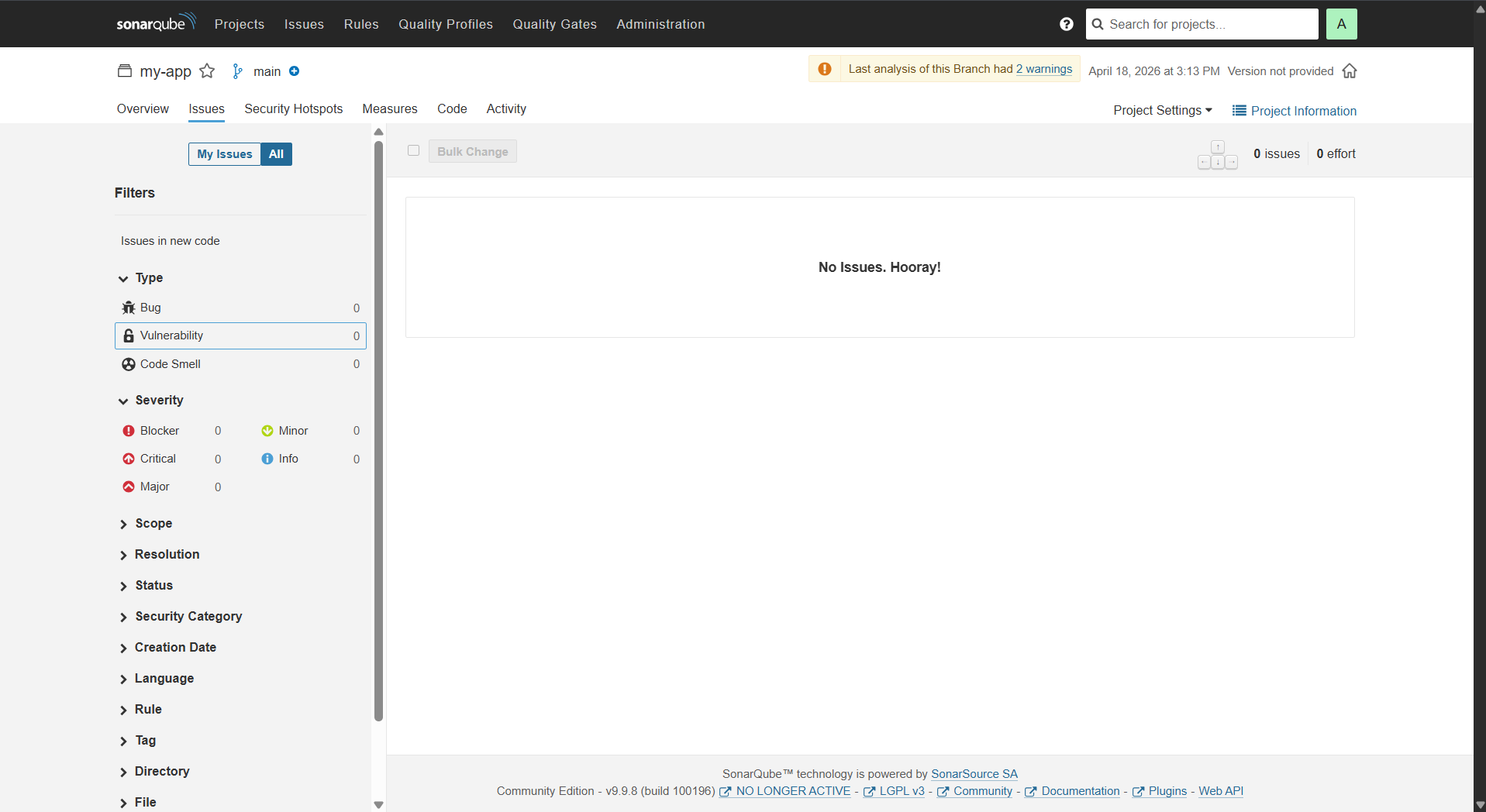
You can query issues programmatically using the SonarQube API.
curl -u admin:YOUR_TOKEN "http://localhost:9000/api/issues/search"
Terminal Output

Step 5: Jenkins Pipeline Integration
Pipeline Flow: Checkout → Scan → Build → Deploy
We updated the Jenkinsfile from Lab 7 to include a new stage for SonarQube. This ties both labs together!
Important Code Snippet added to Lab 7 Jenkinsfile:
        stage('SonarQube Analysis') {
            steps {
                sh 'docker run --rm -v "${WORKSPACE}:/usr/src" sonarsource/sonar-scanner-cli -D"sonar.projectKey=Angel0606" -D"sonar.sources=." -D"sonar.host.url=http://host.docker.internal:9000" -D"sonar.login=sqp_ce674dd3b90e9f769eb1a806a73f1fb65a2f109c"'
            }
        }
👉 Jenkins intercepts the code, executes the scanner locally, and visually displays whether the code allowed the pipeline to proceed to Docker Hub!
Terminal Output
15. Tool Comparison (Important Theory)
| Tool | Purpose | |—|—| | Jenkins | CI/CD | | SonarQube | Code quality | | Ansible | Config management | | Chef | Infra automation |
16. Best Practices
- Security: Never hardcode tokens, use environment variables.
- Code Quality: Fix issues early, use Quality Gates.
- CI/CD: Run scan on every commit, fail pipeline on bad code.
17. Final Summary
- SonarQube = analysis platform
- Scanner = analyzes code
- Token = secure authentication
- Quality Gate = stops bad code
🔥 FINAL UNDERSTANDING
SonarQube = “System that checks your code quality before it is deployed.”
Important Insight for YOU
Now your learning stack is: Docker → Compose → Kubernetes → Jenkins → SonarQube 👉 This is complete DevOps pipeline knowledge!