containerization-and-devops
Installing Docker on Windows & Making GitHub.io Live
This project documents the complete setup process for:
- Installing and configuring Docker on Windows
- Running containers and testing the environment
- Hosting a static website using GitHub Pages
It serves as a beginner-friendly guide to containerization and basic web deployment.
Part 1: Installing Docker on Windows
Docker allows applications to run inside lightweight, portable containers.
Step 1: Install Docker Desktop for Windows
-
Visit the official Docker website:
https://www.docker.com/products/docker-desktop -
Download Docker Desktop for Windows
-
Run the installer (
Docker Desktop Installer.exe) -
During installation:
- Enable WSL 2 if prompted
- Keep default settings
-
Restart your system if required
-
Open Docker Desktop from the Start Menu
-
Wait until it shows Docker is running
Step 2: Verify Docker Installation
Open Command Prompt or PowerShell and run:
docker --version
Then run a test container:
docker run hello-world
If Docker is installed correctly, a confirmation message will be displayed.
Step 3: Run an Ubuntu Container
docker run -it ubuntu:22.04 bash
This starts an interactive Ubuntu terminal inside a Docker container where you can execute Linux commands.
Step 4: Install Java Inside the Container (Example)
Inside the Ubuntu container:
apt update
apt install default-jdk -y
java -version
Create a Java file:
nano Hello.java
Add the following code:
class Hello {
    public static void main(String[] args) {
        System.out.println("Hello from Docker on Windows!");
    }
}
Compile and run:
javac Hello.java
java Hello
Expected output:
Hello from Docker on Windows!
Part 2: Hosting a Website with GitHub Pages
GitHub Pages allows you to host static websites directly from a GitHub repository.
Step 1: Create a Repository
- Go to https://github.com\
- Click New Repository
- Name the repository exactly:
<!-- -->
yourusername.github.io
Replace yourusername with your actual GitHub username.
The repository name must match your GitHub username exactly for the site to work.
Step 2: Add Website Files
Upload your website files such as:
index.htmlstyle.cssscript.js
Or push your project using Git from your local machine:
git init
git add .
git commit -m "Initial website"
git branch -M main
git remote add origin https://github.com/yourusername/yourusername.github.io.git
git push -u origin main
Step 3: Enable GitHub Pages
- Open your repository on GitHub\
- Click on Settings\
- Click Pages from the left sidebar\
- Under Branch, select:
<!-- -->
Branch: main
Folder: /root
- Click Save
Step 4: Access the Live Website
After a few minutes, your website will be live at:
https://yourusername.github.io
If the site does not appear immediately, wait a few minutes and refresh the page.
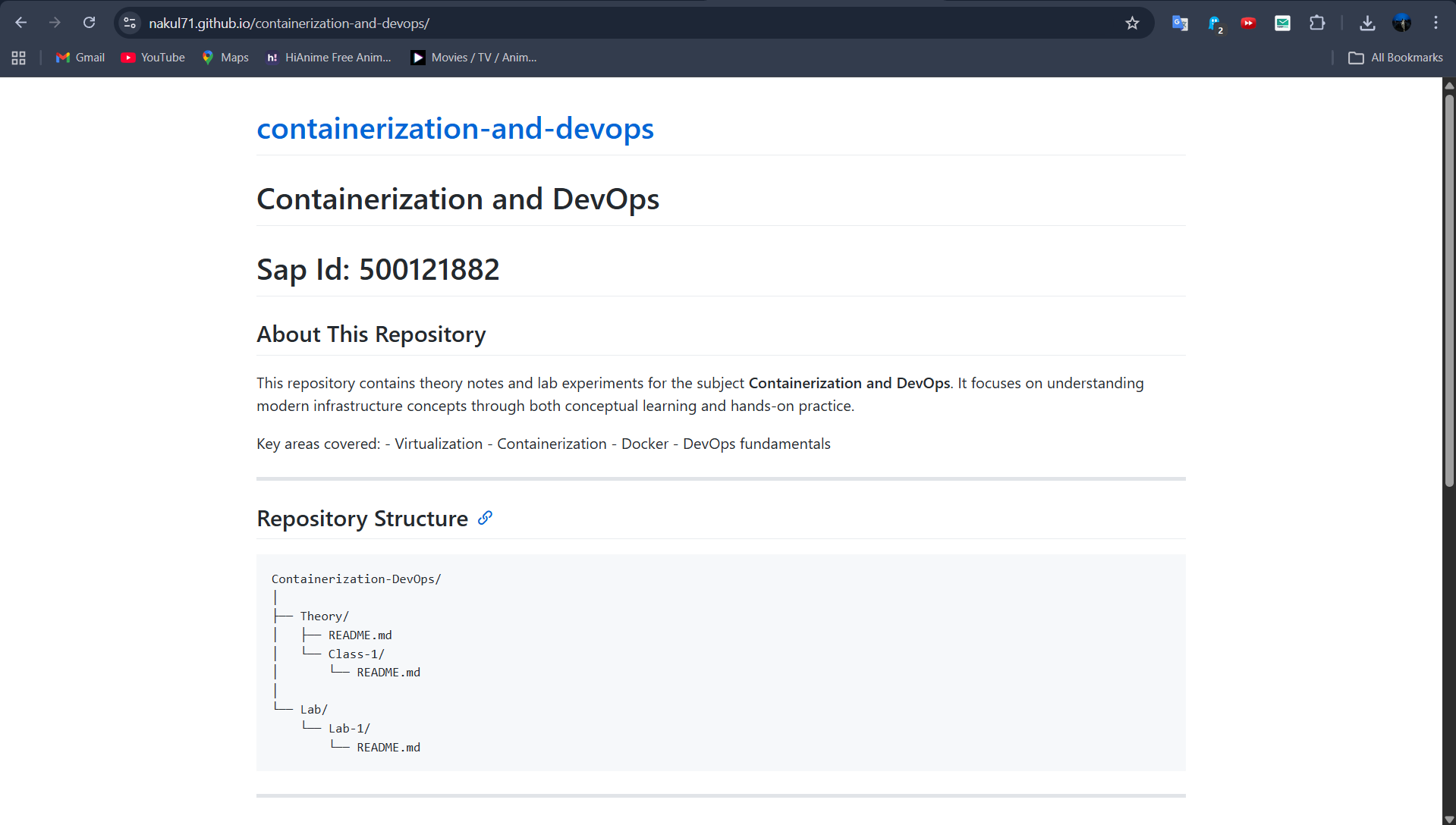
Screenshot (Example)
🔗 Navigation
| Previous | Home | Next |
|---|---|---|
| ← Lab 1 | Main README | Lab 3 → |
All Labs
- Lab 1 — VM vs Container Comparison
- Lab 2 — Docker Installation & GitHub Pages (You are here)
- Lab 3 — Docker Images, NGINX & Flask Deployment
- Lab 4 — Docker Essentials
- Lab 5 — Volumes, Env Vars, Monitoring, Networks
- Lab 6 — Docker Run vs Docker Compose