containerization-and-devops
Class 1 - Docker Basics (Hands-on)
Objective
- To understand Docker fundamentals
- To execute basic Docker commands
- To observe Docker image and container lifecycle using WSL (Ubuntu)
Environment Used
- Host OS: Windows
- Linux Environment: WSL (Ubuntu 24.04)
- Container Platform: Docker Engine
- Terminal: WSL Ubuntu
Experiment Execution with Screenshots
🔹 Step 1: Launch WSL Ubuntu
Docker commands are executed inside WSL Ubuntu terminal.
Commands executed:
wsl

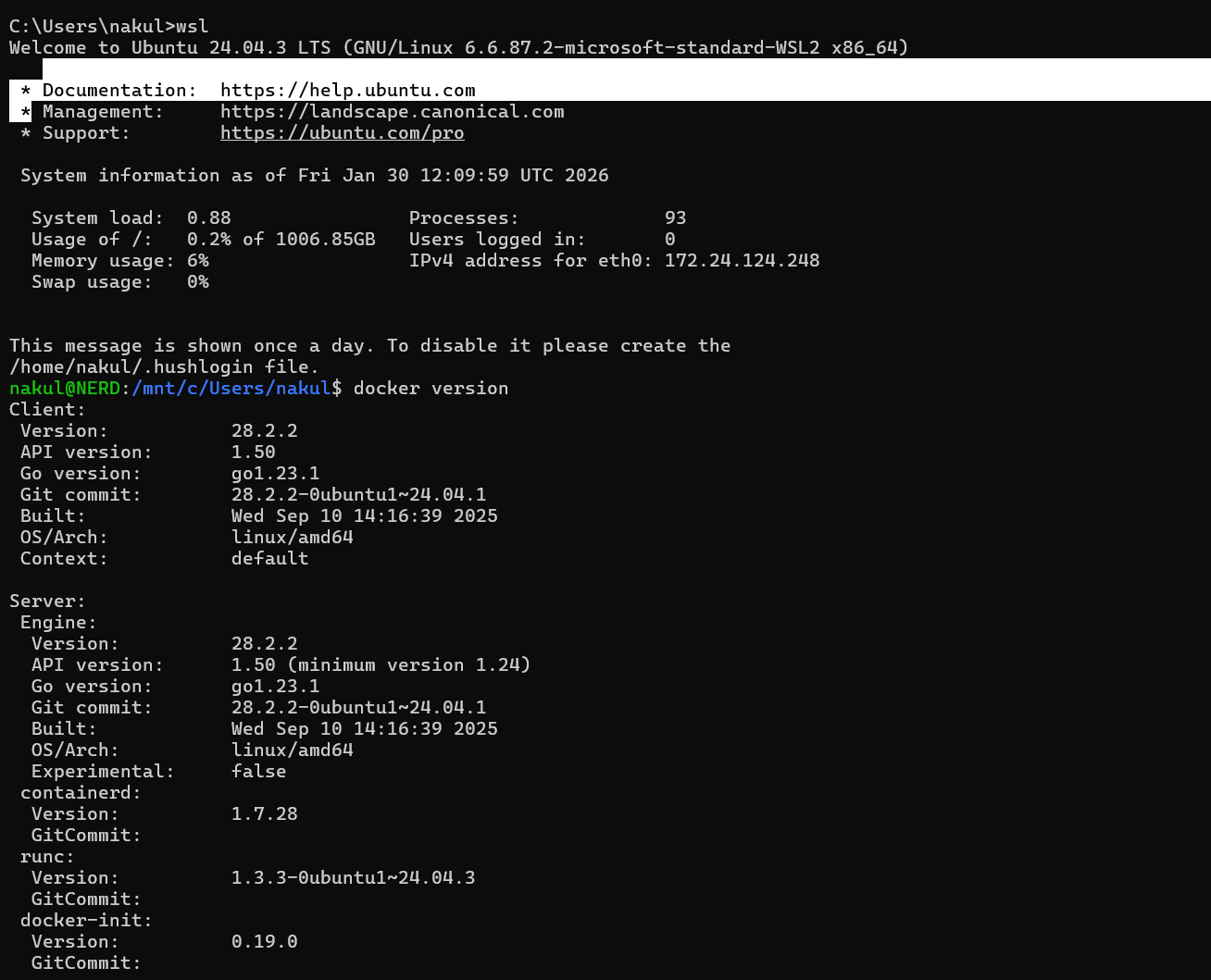
🔹 Step 2: Verify Docker Installation
Docker client and server versions are verified.
Commands executed:
docker version
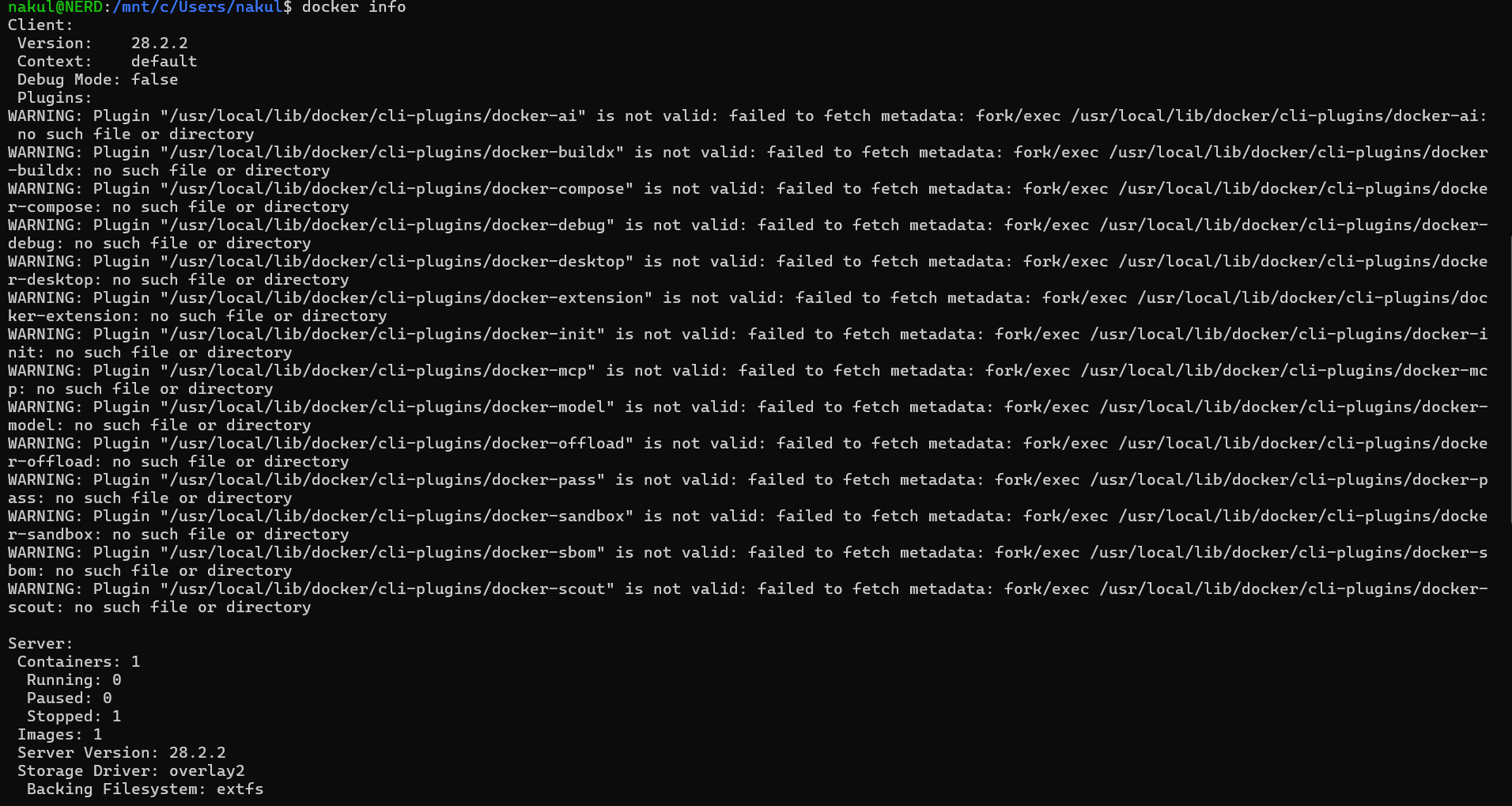
🔹 Step 3: Inspect Docker System Information
This step checks Docker engine configuration and runtime details.
Commands executed:
docker info
🔹 Step 4: View Available Docker Images
Initially checks for locally available Docker images.
Commands executed:
docker images

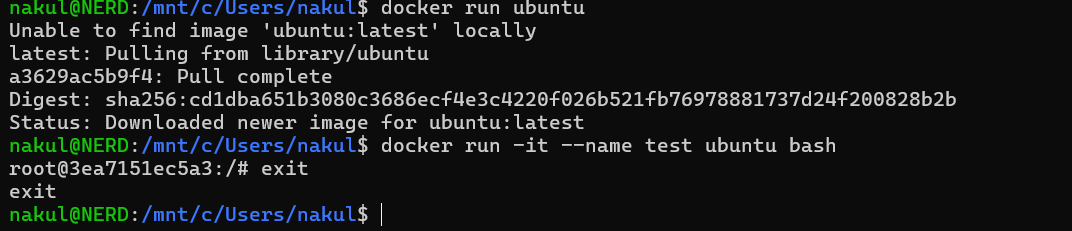
🔹 Step 5: Pull and Run Ubuntu Image
Ubuntu image is pulled automatically if not available and container is executed.
Commands executed:
docker run ubuntu
docker run -it --name test ubuntu bash
exit
🔹 Step 6: Check Container Status
Both running and stopped containers are inspected.
Commands executed:
docker ps
docker ps -a

Result
Docker was successfully verified on WSL Ubuntu. Ubuntu containers were created, executed, exited, and inspected using Docker CLI commands.
Learning Outcome
- Understood Docker client-server architecture
- Learned how Docker images are pulled and containers are created
- Observed container lifecycle using
docker psanddocker ps -a - Gained hands-on experience with Docker in WSL environment