containerization-and-devops
Class 3 - Docker Engine API Interaction via Unix Socket
Objective
To interact directly with the Docker Engine REST API using curl and the Unix socket without relying on standard Docker CLI lifecycle commands.
Environment
- Windows 11
- WSL Ubuntu 24.04
- Docker Engine running
- Communication via: /var/run/docker.sock
Step 1 – Start WSL Environment
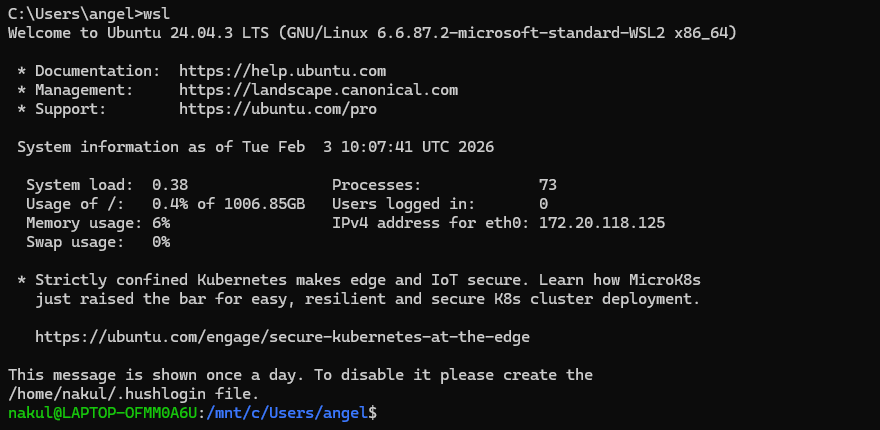
wsl
Launches Ubuntu inside Windows.
Step 2 – Verify Docker Socket
ls -l /var/run/docker.sock
Confirms Docker socket exists and shows permission details.

Step 3 – Test Docker API Connectivity
curl --unix-socket /var/run/docker.sock http://localhost/_ping
Expected Output: OK
Confirms Docker daemon is accessible via Unix socket.

Step 4 – Check Docker Version via API
curl --unix-socket /var/run/docker.sock http://localhost/version
Returns Docker Engine details in JSON format.

Step 5 – List Containers using Docker CLI
docker ps
docker ps -a
Displays running and stopped containers.

Step 6 – List Containers via Docker API
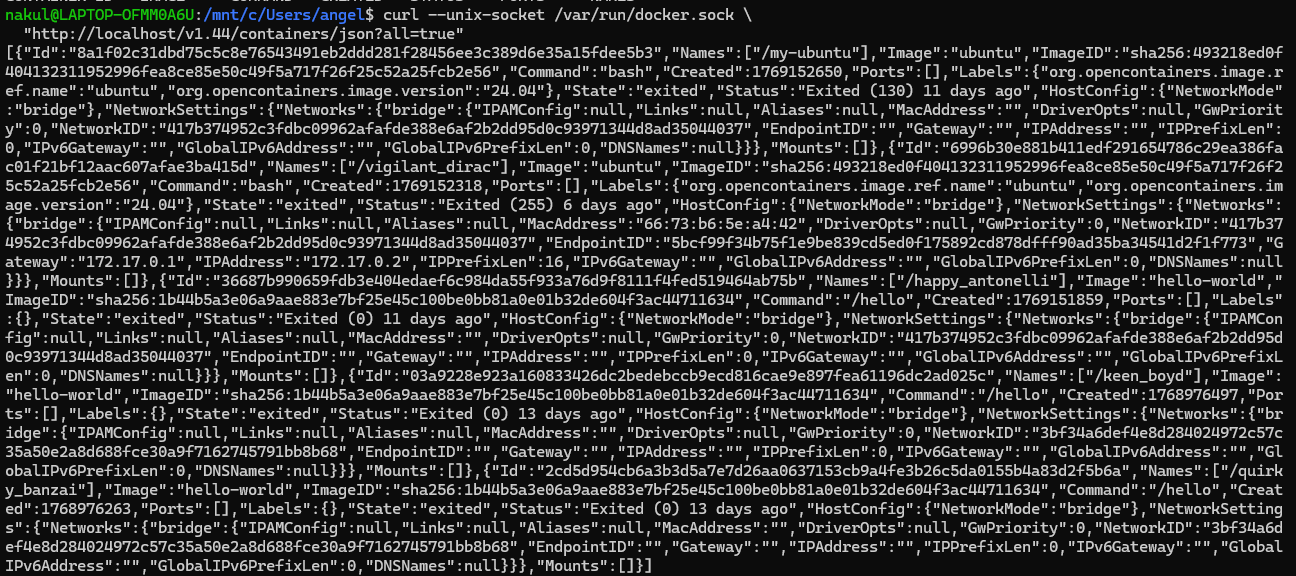
curl --unix-socket /var/run/docker.sock "http://localhost/v1.44/containers/json"

curl --unix-socket /var/run/docker.sock "http://localhost/v1.44/containers/json?all=true"
Retrieves container information in JSON format.

Step 7 – Pull Nginx Image via API
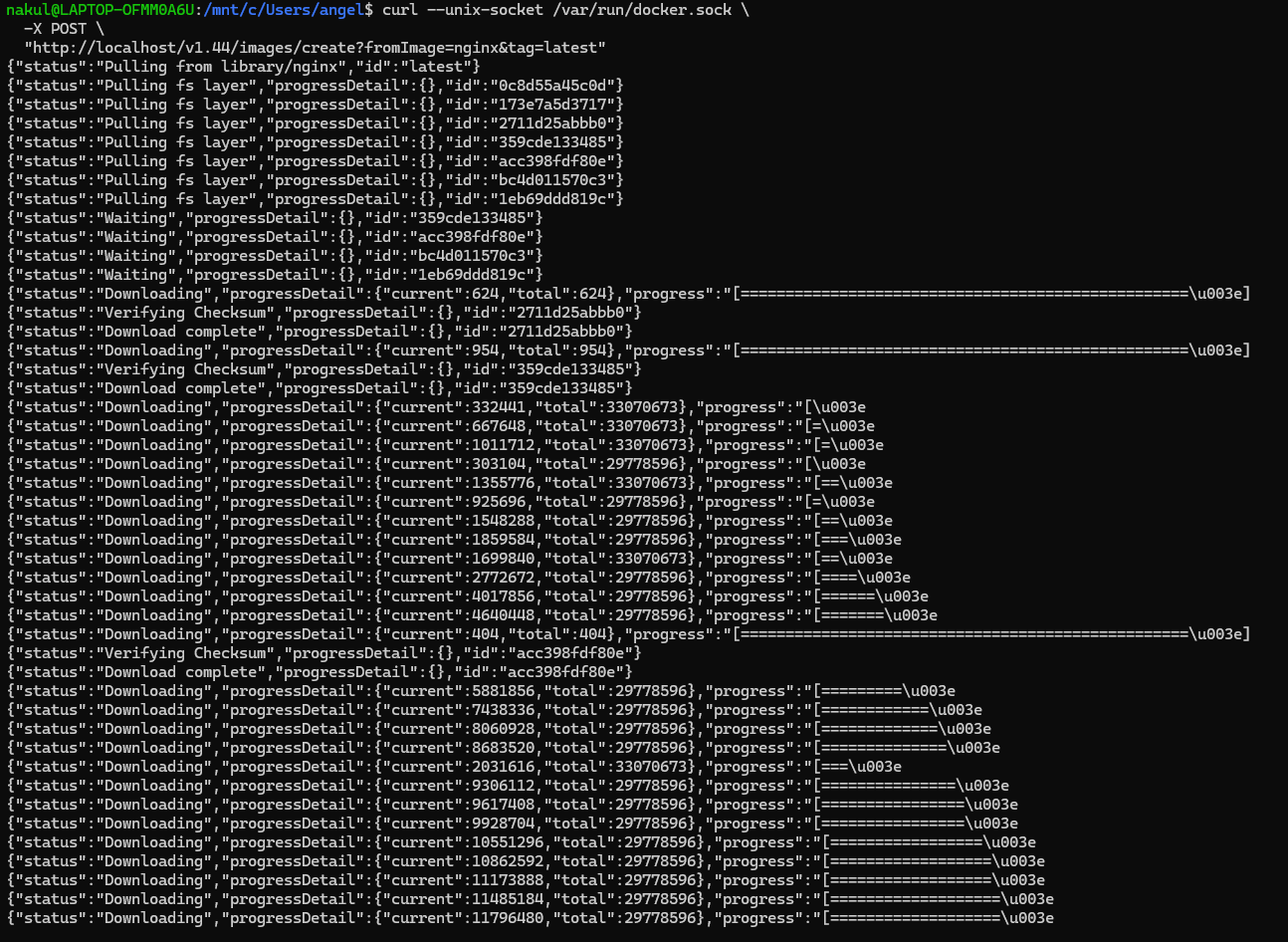
curl --unix-socket /var/run/docker.sock -X POST "http://localhost/v1.44/images/create?fromImage=nginx&tag=latest"
Downloads nginx image using Docker REST API.
Step 8 – Create Container via API
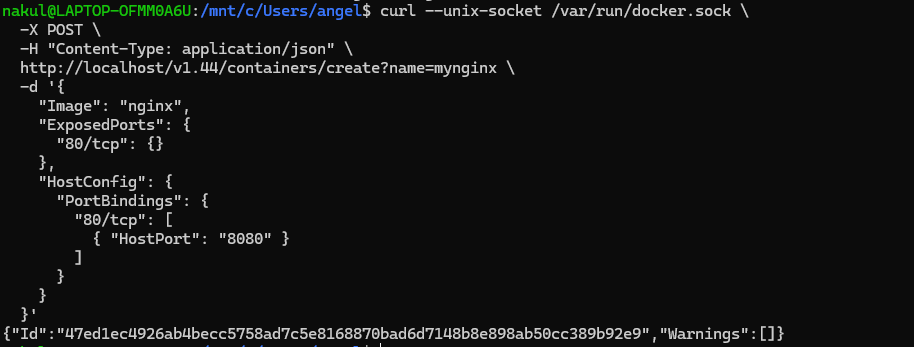
curl --unix-socket /var/run/docker.sock -X POST -H "Content-Type: application/json" http://localhost/v1.44/containers/create?name=mynginx -d '{
  "Image": "nginx",
  "ExposedPorts": {
    "80/tcp": {}
  },
  "HostConfig": {
    "PortBindings": {
      "80/tcp": [
        { "HostPort": "8080" }
      ]
    }
  }
}'
Creates container named mynginx with port mapping 8080 to container
port 80.
Step 9 – Start Container via API
curl --unix-socket /var/run/docker.sock -X POST http://localhost/v1.44/containers/mynginx/start
Starts the created container.

Step 10 – Stop Container via API
curl --unix-socket /var/run/docker.sock -X POST http://localhost/v1.44/containers/mynginx/stop
Stops the running container.

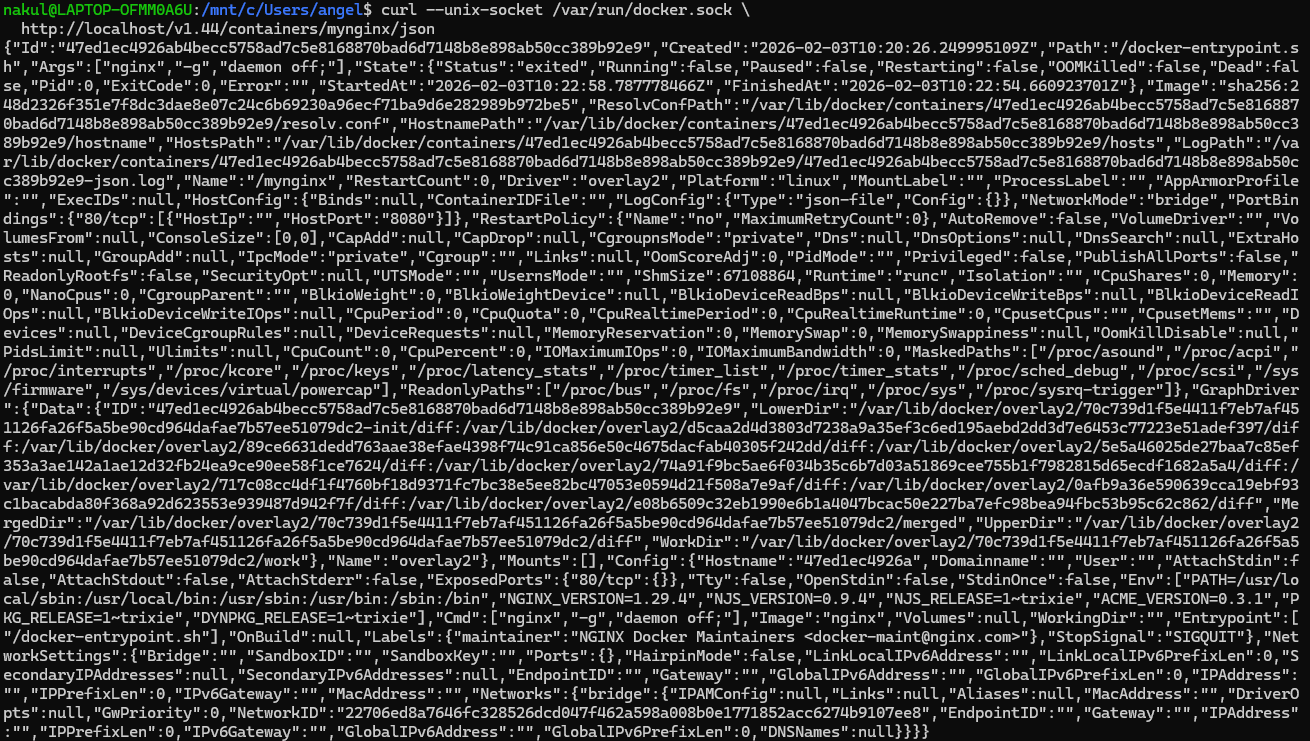
Step 11 – Inspect Container via API
curl --unix-socket /var/run/docker.sock http://localhost/v1.44/containers/mynginx/json
Displays detailed container metadata including state, mounts, networking, and port bindings.
Step 12 – Image Pull Detailed Output
Shows full layer download progress of nginx image via API.
Result
Successfully accessed Docker Engine directly via its REST API and performed:
- Socket verification
- API connectivity test
- Version inspection
- Image pull
- Container creation
- Container start
- Container stop
- Container inspection
All operations were executed using HTTP requests over the Unix socket.
Learning Outcome
- Docker CLI internally communicates with Docker daemon via REST API.
- Docker daemon can be accessed directly through
/var/run/docker.sock. - Full container lifecycle management can be performed using HTTP requests.